Seamlessly sync across devices with iCloud

Your Snippets,
On Every Device.

Save on Mac, use on iPhone instantly.
SnipIt makes your snippet library available anywhere.

macOS iOS 16+ Free to Start

Coming Soon
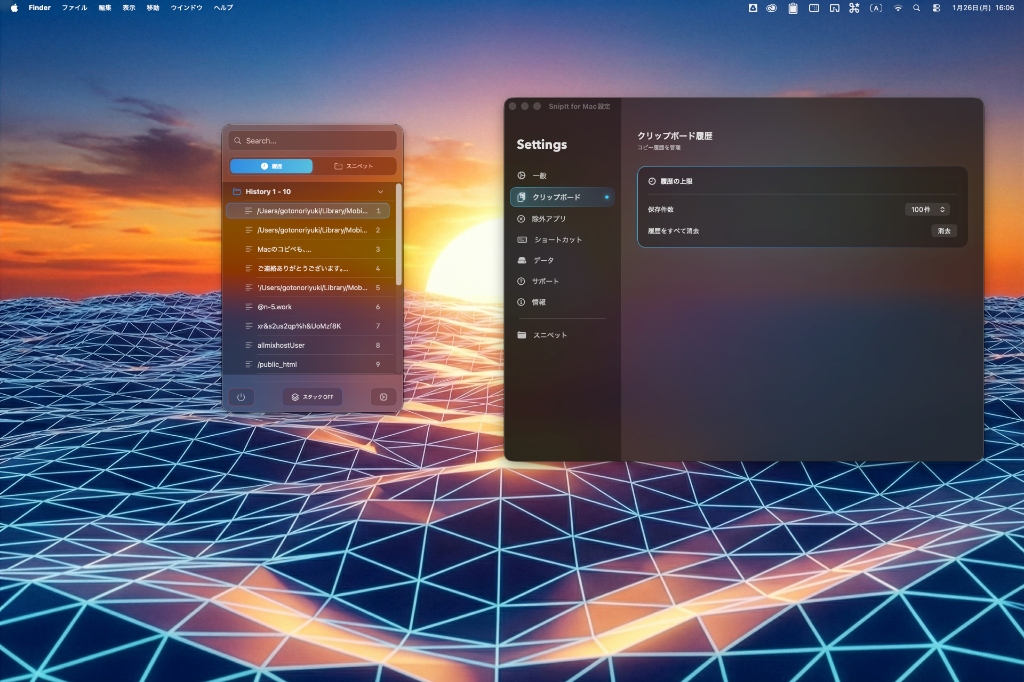
SnipIt App Interface on MacBook Pro
SnipIt Main Screen on Mac
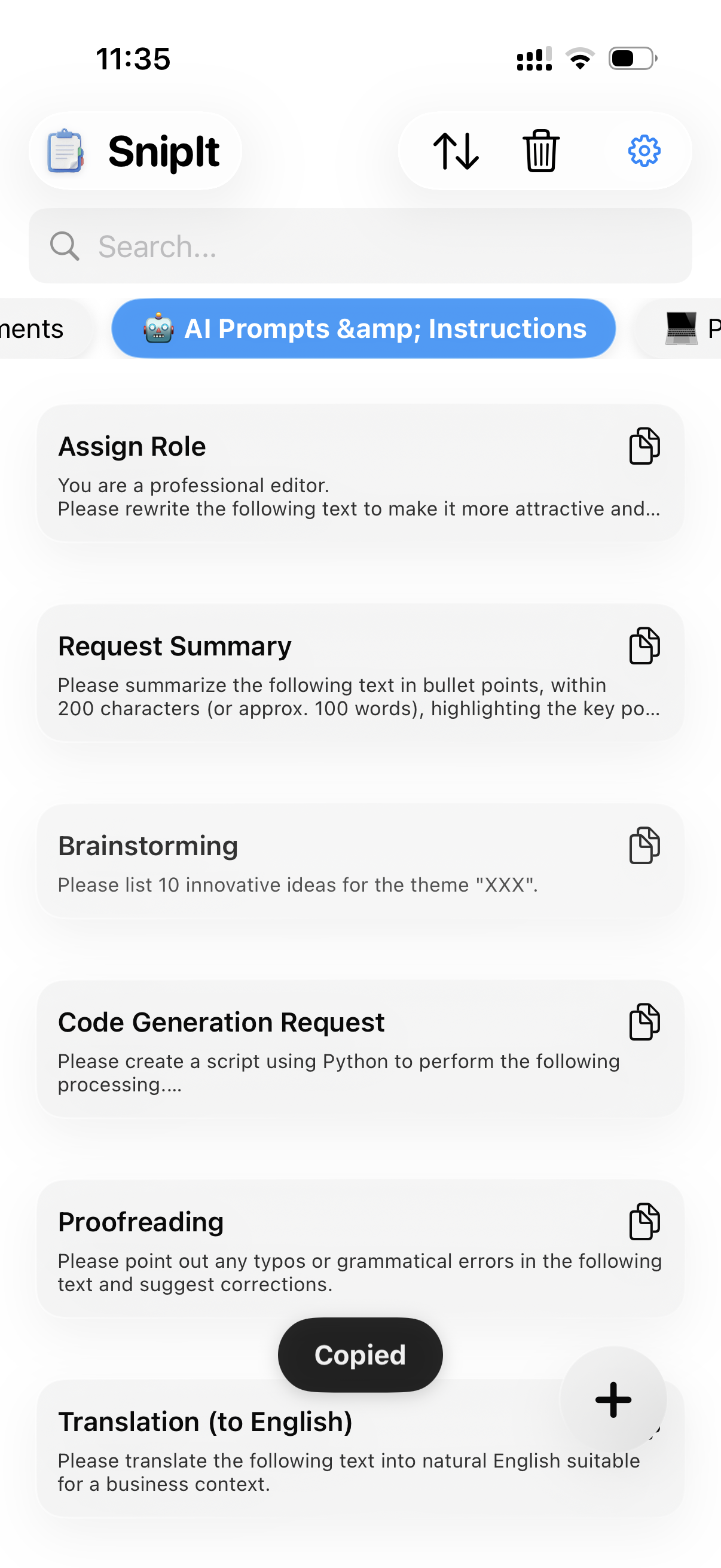
SnipIt App on iPhone 15 Pro
SnipIt Main Screen on iOS
Core Features

Features That Accelerate Your Workflow

Better Together,
More Convenient.

No more emailing templates to yourself.
Snippets saved in SnipIt are automatically available across all your devices through your iCloud account.

  • Auto-sync across Mac, iPhone & iPad
  • Secure data storage with iCloud
SnipIt iCloud Sync Settings on iOS
Mac Feature

Copy in Sequence,
Paste in Order: "Paste Stack".

Stack multiple items and paste them in order.
Dramatically improve efficiency for form filling and code refactoring.

  • Stack in copy order (FIFO)
  • Remaining count displayed on desktop corner
Learn more about Mac version
SnipIt Paste Stack Feature Interface on Mac
iOS Feature

Mobile Typing Revolution:
Keyboard Extension.

No need to switch apps just to copy templates.
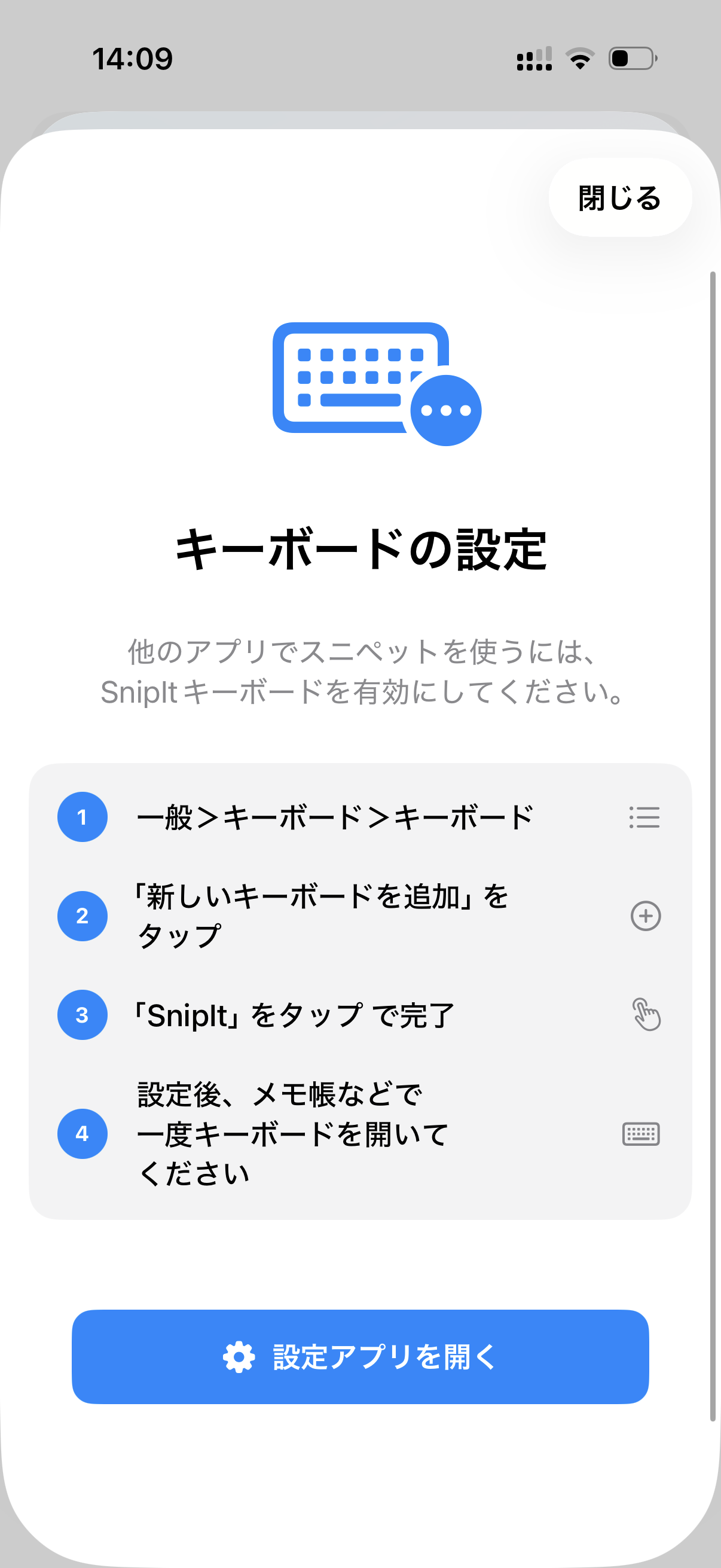
With the SnipIt keyboard, you can call up and paste snippets directly from any app like Messages, Slack, or Notes.

  • Accessible from any app
  • Organize snippets with folders
Learn more about iOS version
SnipIt Custom Keyboard Extension on iOS

Easy Migration from Other Tools

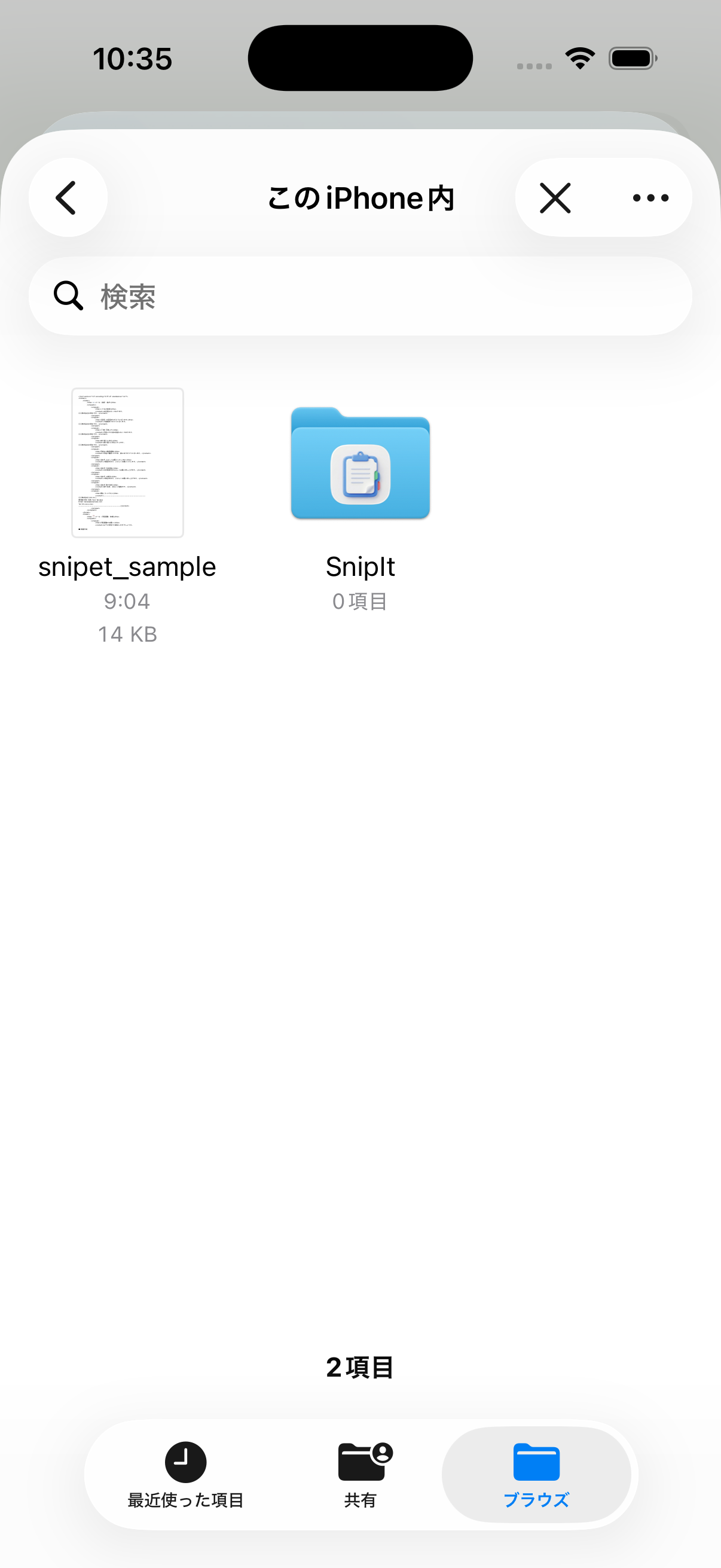
We support XML format import/export. Easily migrate your existing data or quickly create backups of your important snippets.

SnipIt App Icon

Get Started Today

Basic features are free. Unlock unlimited sync and advanced features with Pro.

Requires macOS 13.0+ / iOS 16+